

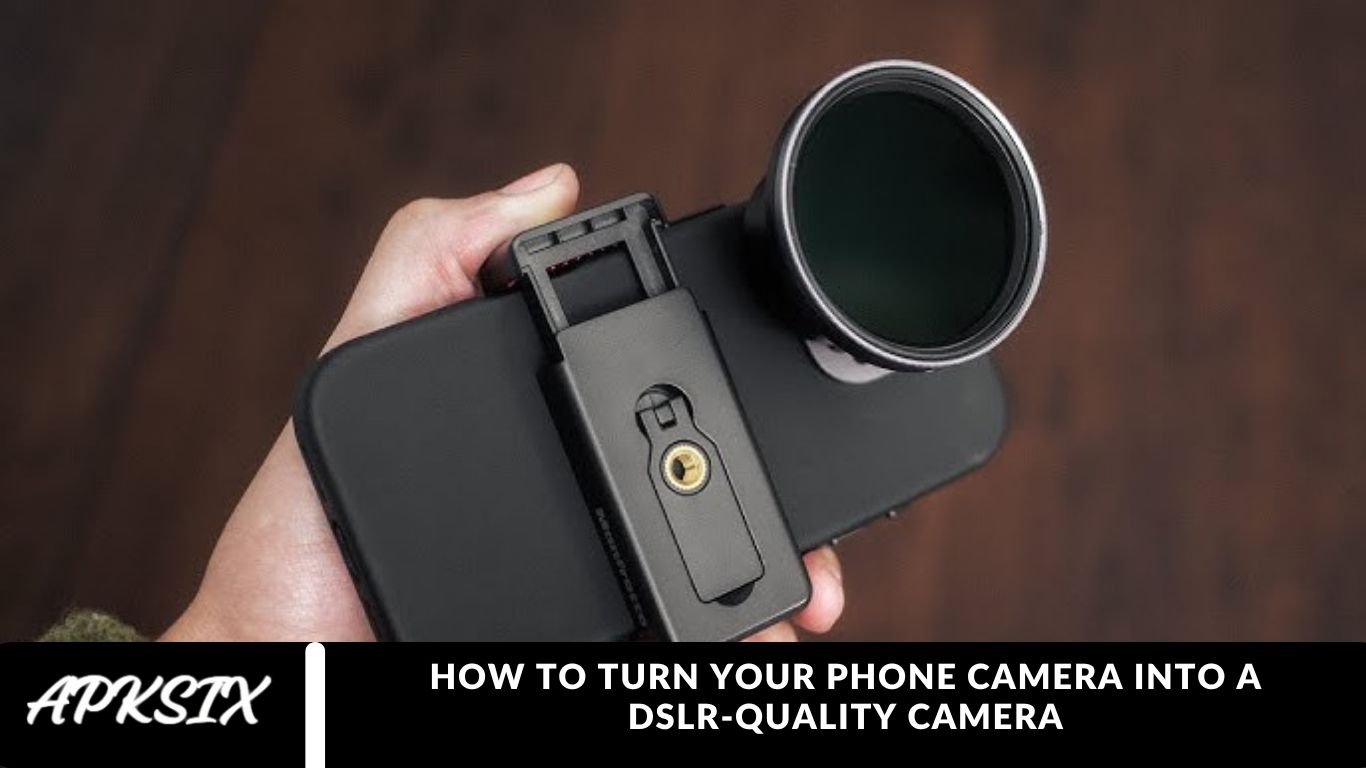
Smartphone cameras are improving at lightning speed, with some models rivaling DSLR cameras in image quality. However, DSLRs still offer advanced features that most smartphones can’t replicate. If you’ve ever wondered how to make your phone camera DSLR-like, we have the perfect solution for you.
Introducing the DSLR HD Camera App – an innovative app designed to help you capture professional DSLR-style photos directly from your smartphone. In this blog, we provide a complete DSLR HD Camera App review and a step-by-step guide on how to use this app to elevate your mobile photography.
How to make your phone camera DSLR?
There are numerous camera apps for smartphones that can significantly boost your photography skills. Many of these apps offer manual controls, RAW photo capture, and advanced camera features, giving you more creative freedom.
One standout option is the DSLR HD Camera & 4K HD Camera app, which allows you to turn your phone camera into a DSLR-like camera effortlessly. This free Android app, developed by Tech Jack, promises to help you capture high-quality photos and videos with professional-level clarity.
Read more: Samsung Galaxy M17 5G – 50MP Camera, Super AMOLED, IP54 Rated
DSLR HD Camera App Features:
- Manual Mode: The DSLR HD Camera app offers an easy-to-use manual mode, allowing you to adjust essential settings such as shutter speed, ISO, exposure compensation, and white balance. This gives you greater control over your shots, similar to a DSLR camera.
- 4K Video Recording: Capture stunning videos in 4K resolution with the app. Keep in mind, however, that 4K recording support may vary depending on your Android device.
- Blur Effect: The app comes with a built-in blur editor, enabling you to create professional-looking background blur (bokeh effect) for portrait-style photos.
- Additional Features: DSLR HD Camera also includes face detection, timer, front camera support, and a variety of filter options, making it a versatile tool for both photography and videography enthusiasts.
How to use DSLR HD Camera App?
Launch the App: Open the DSLR HD Camera app on your Android device. Once launched, you’ll see the camera viewfinder ready for shooting.
Capture Photos and Videos:
- Take a Photo: Press the button at the bottom center of the screen to snap a picture.
- Record a Video: Long-press the same button to start recording. Press it again to stop.
Switch Camera Modes: Tap the icons at the bottom left of the screen to switch between different modes such as Photo, Video, Manual, and Beauty. This allows you to customize your shooting experience.
Access Settings: Tap the gear icon at the bottom right to open the Settings menu. Here you can adjust options like flash, self-timer, resolution, and other essential camera settings.
Use Manual Mode: Select Manual mode from the mode icons to gain full control over your camera. You can adjust shutter speed, ISO, white balance, and focus by sliding on the screen, giving your photos a professional DSLR touch.
Apply Blur Effect: After capturing a photo, you can add a blur (bokeh) effect for a professional look. Tap the edit button, select Blur, and adjust the intensity using the slider.
You Like It: apksix
How to download DSLR HD Camera?
Downloading the DSLR HD Camera & 4K HD Camera app on your Android device is simple. Follow these steps to get started:
- Open Google Play Store: Launch the Play Store on your Android phone.
- Search for the App: Type “DSLR HD Camera” in the search bar and hit enter.
- Select the App: From the search results, tap on the DSLR HD Camera app.
- Install the App: Click the Install button to start downloading the app to your device.
- Start Using the App: Once installed, open the app and start capturing high-quality DSLR-style photos and videos directly from your smartphone.
With this app, you can easily enhance your phone photography and achieve professional results without a DSLR camera.
Frequently Asked Questions
Can a smartphone really take DSLR-quality photos?
Yes! With the right camera apps and proper settings, modern smartphones can capture photos that are close to DSLR quality, especially in good lighting conditions.
What app can make my phone camera DSLR-like?
Apps like DSLR HD Camera & 4K HD Camera allow you to adjust manual settings, ISO, shutter speed, and focus, helping you take professional-level photos on your phone.
Does using manual mode improve phone photography?
Absolutely. Manual mode lets you control exposure, focus, and white balance, which are essential for capturing DSLR-quality images.
Can I record 4K videos with a smartphone camera?
Yes, many Android and iOS devices support 4K video recording. Using apps like DSLR HD Camera ensures your videos are high-resolution and professional-looking.
How can I achieve a bokeh or blur effect on my phone?
Most DSLR camera apps, including DSLR HD Camera, have a built-in blur editor. You can adjust the intensity to create a background blur effect similar to a DSLR.
Do I need extra lenses to get DSLR-like photos on my phone?
Extra lenses like macro, wide-angle, or telephoto lenses can enhance your phone photography, but a good DSLR camera app can still produce professional results without additional hardware.
Are DSLR camera apps free?
Many apps, including DSLR HD Camera, are free for Android. Some may offer premium features, but basic DSLR-like photography is accessible at no cost.
Conclusion
Turning your phone camera into a DSLR-quality camera is now easier than ever with apps like DSLR HD Camera & 4K HD Camera. By leveraging manual controls, 4K video recording, and blur effects, you can capture stunning, professional-level photos and videos without investing in expensive DSLR equipment.